What does Geoffice actually do?
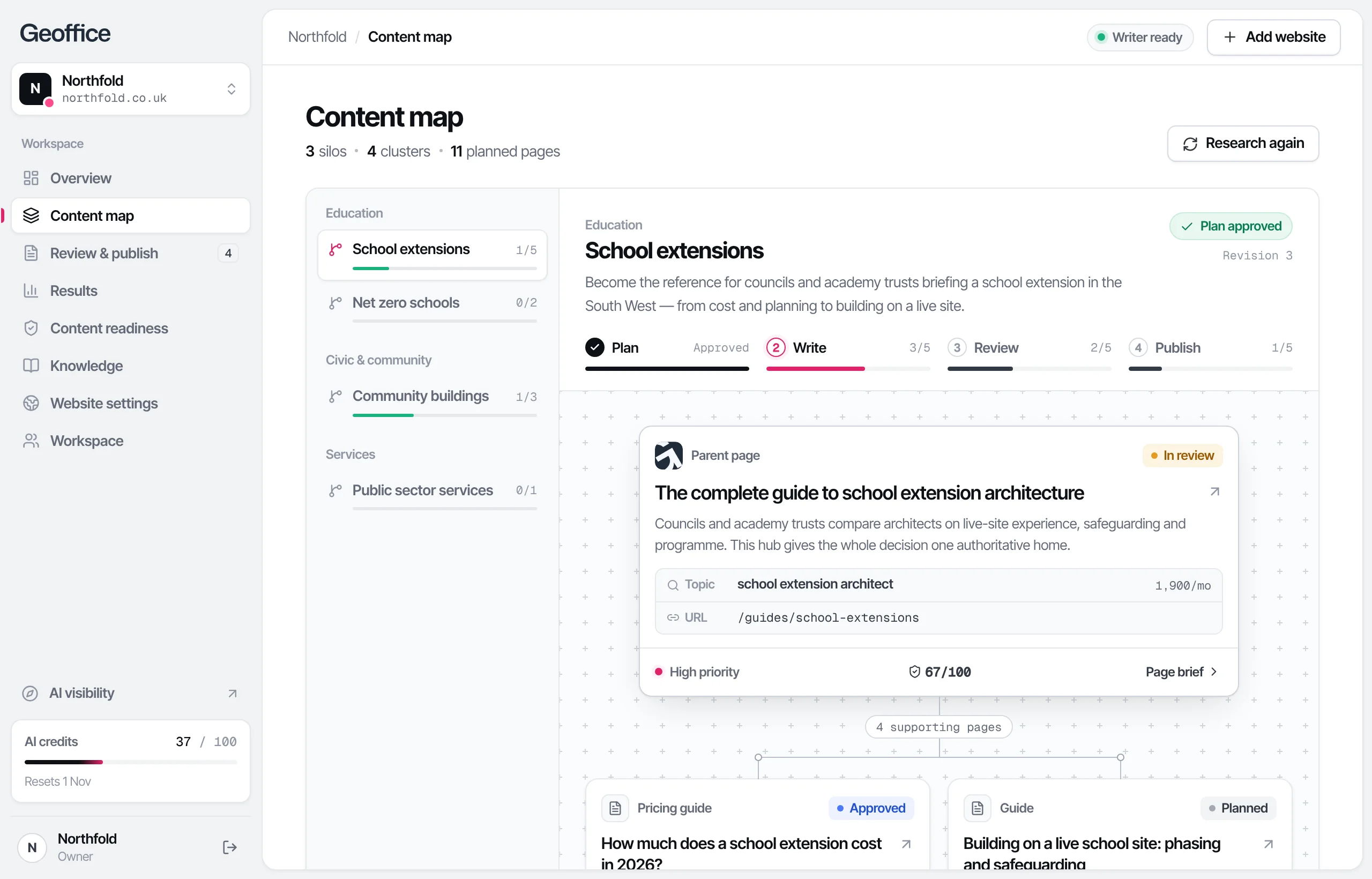
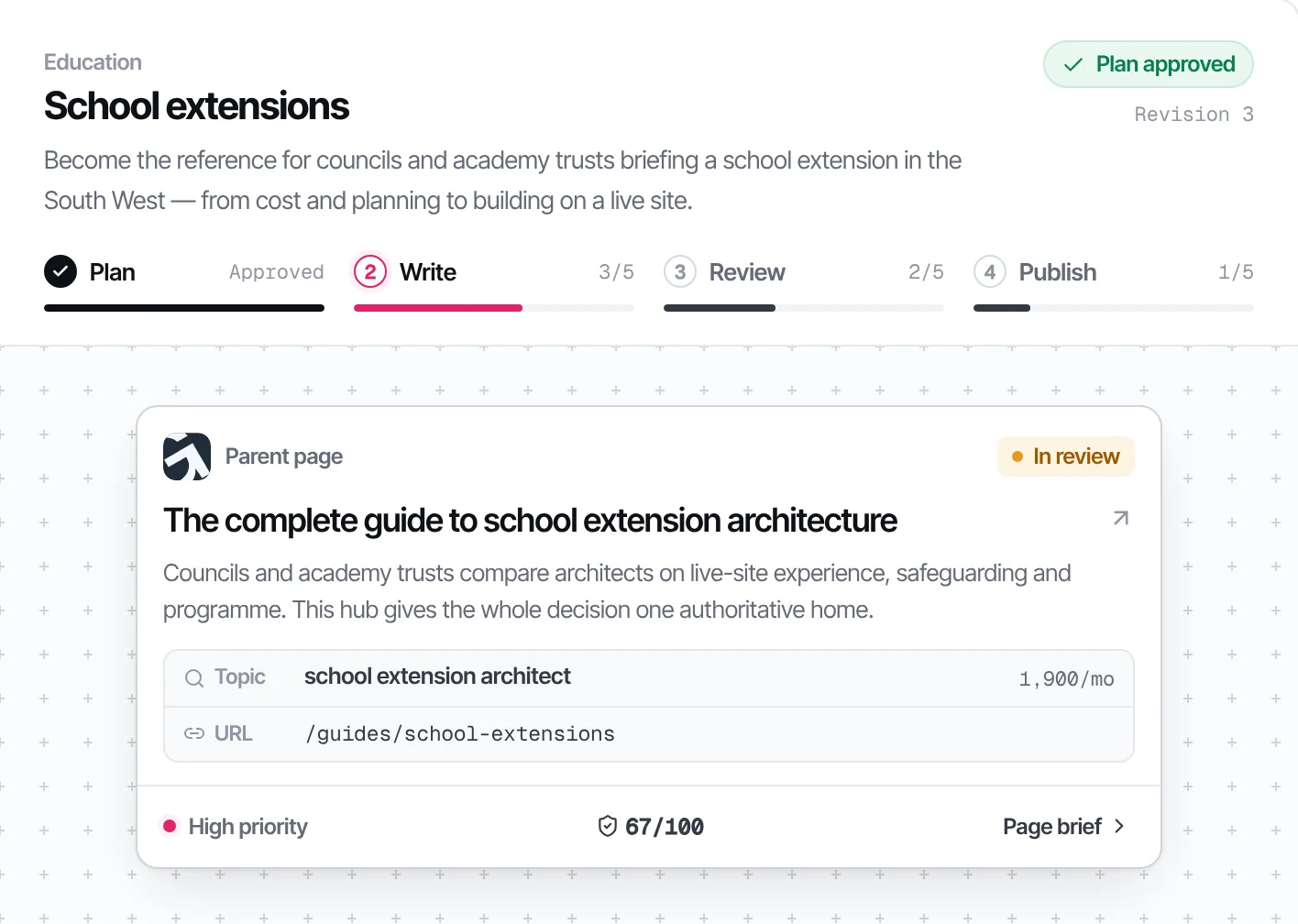
It reads your website and sitemap, then maps business silos, topic clusters, parent pages and supporting pages. It researches and writes the cluster using your confirmed knowledge and live sources. You review the drafts, approve exact versions, and publish or export them.
What happens after publishing?
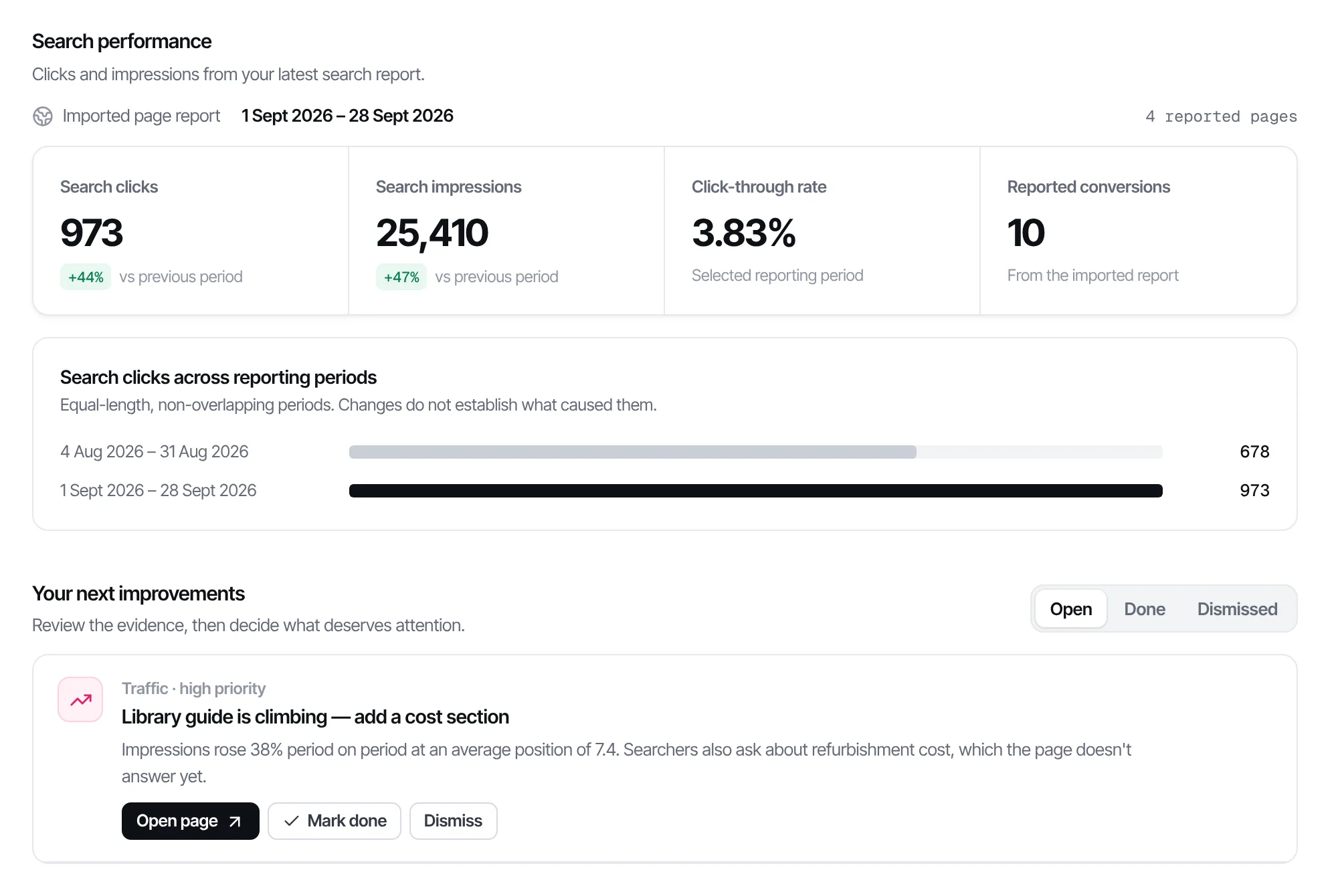
Connect Search Console or import a Pages report to see actual search performance. Geoffice suggests specific improvements, flags review questions and checks published pages. You control which changes are made and can download a client report.
Will it sound like my business?
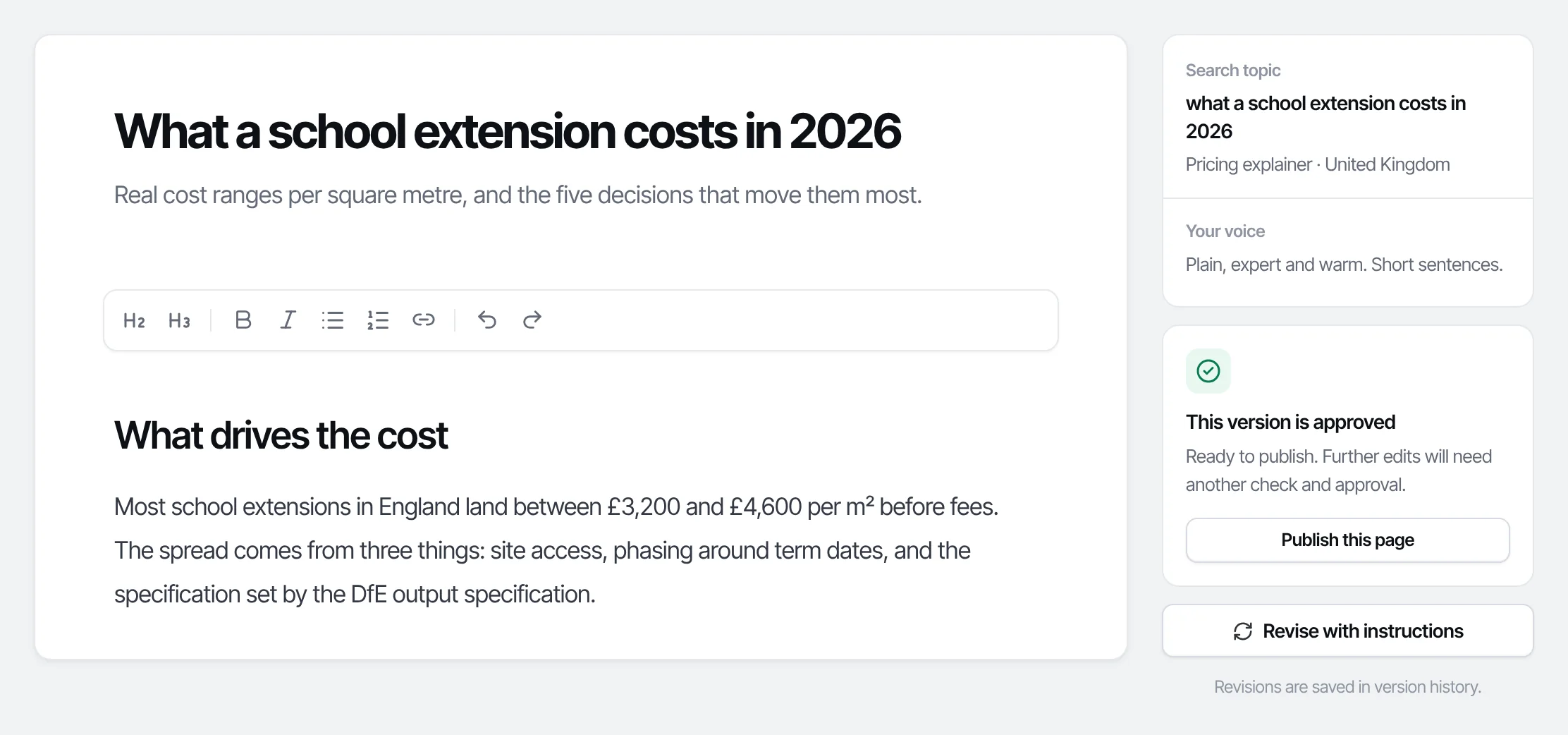
Your website, audience, writing preferences and business knowledge guide the writer. Add the examples, opinions and product details only you know, then refine the result in the editor.
Can it guarantee rankings or AI citations?
No. Search engines and AI systems choose what to show. Geoffice helps you publish useful, well-structured content with inspectable sources; it does not promise positions, traffic or citations.
How does keyword research work?
Topic research combines your existing pages with live web research and search volumes for your target market, which are included in every plan. Numbers are shown only when the data provider returns them; they are never estimated.
Where can I publish?
Geoffice can host your pages on your own domain with one DNS record, or publish them to WordPress, Webflow or Shopify. Custom-built sites can pull finished pages through the API, and any page can be exported as HTML, Markdown or JSON.
Does it publish without me looking?
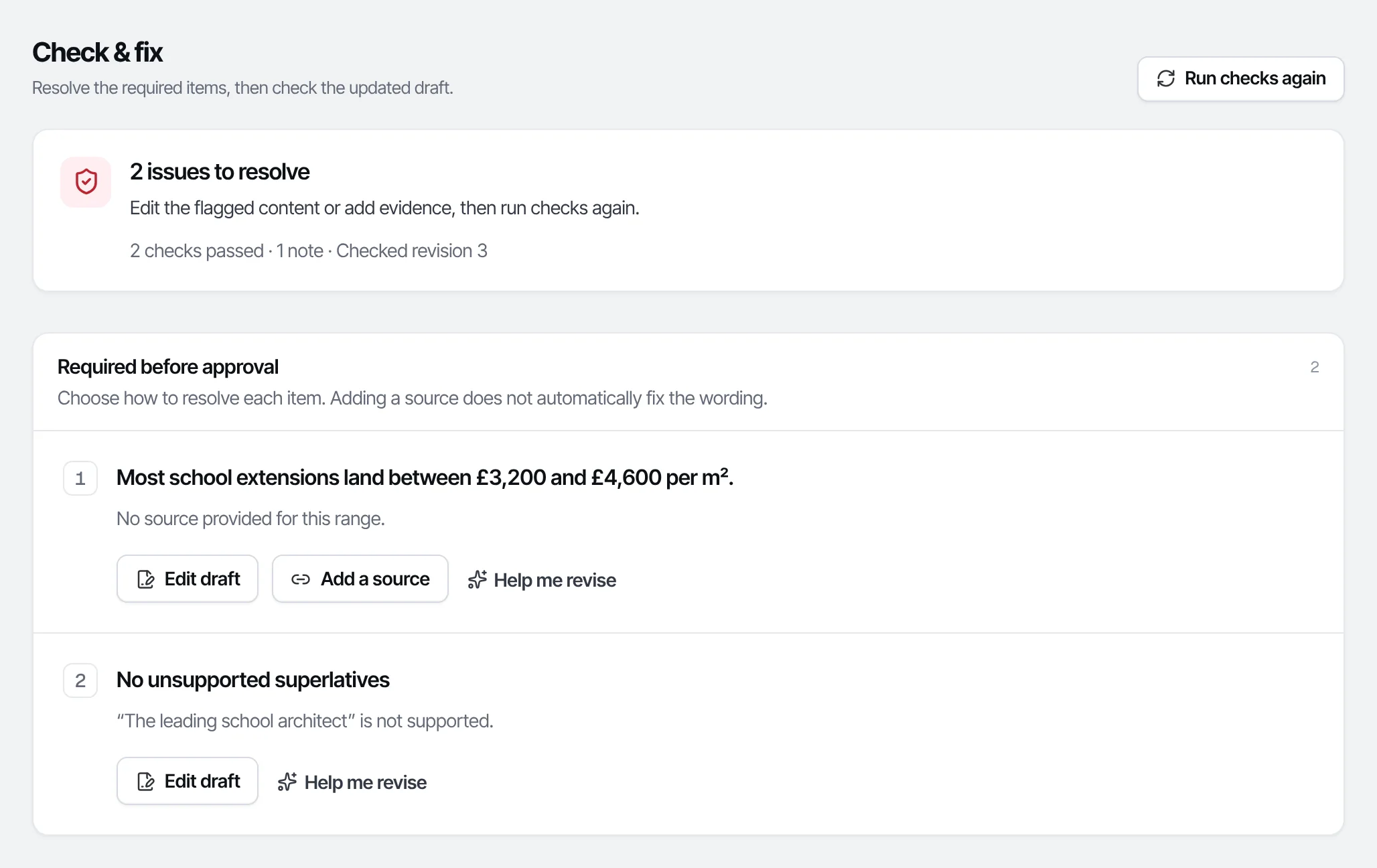
Not unless you choose Autopilot. By default every page needs your approval first, editing an approved page clears that approval, and you publish the reviewed version now or schedule it. With Autopilot on, pages that pass every check are approved and published by Geoffice. You can switch it off at any time.