Researched first. Written in your voice.
Each page starts with research: live sources, saved with the page for you to inspect. The draft follows from what you have confirmed about your business, cites the sources it relies on, and leaves out anything it cannot support.
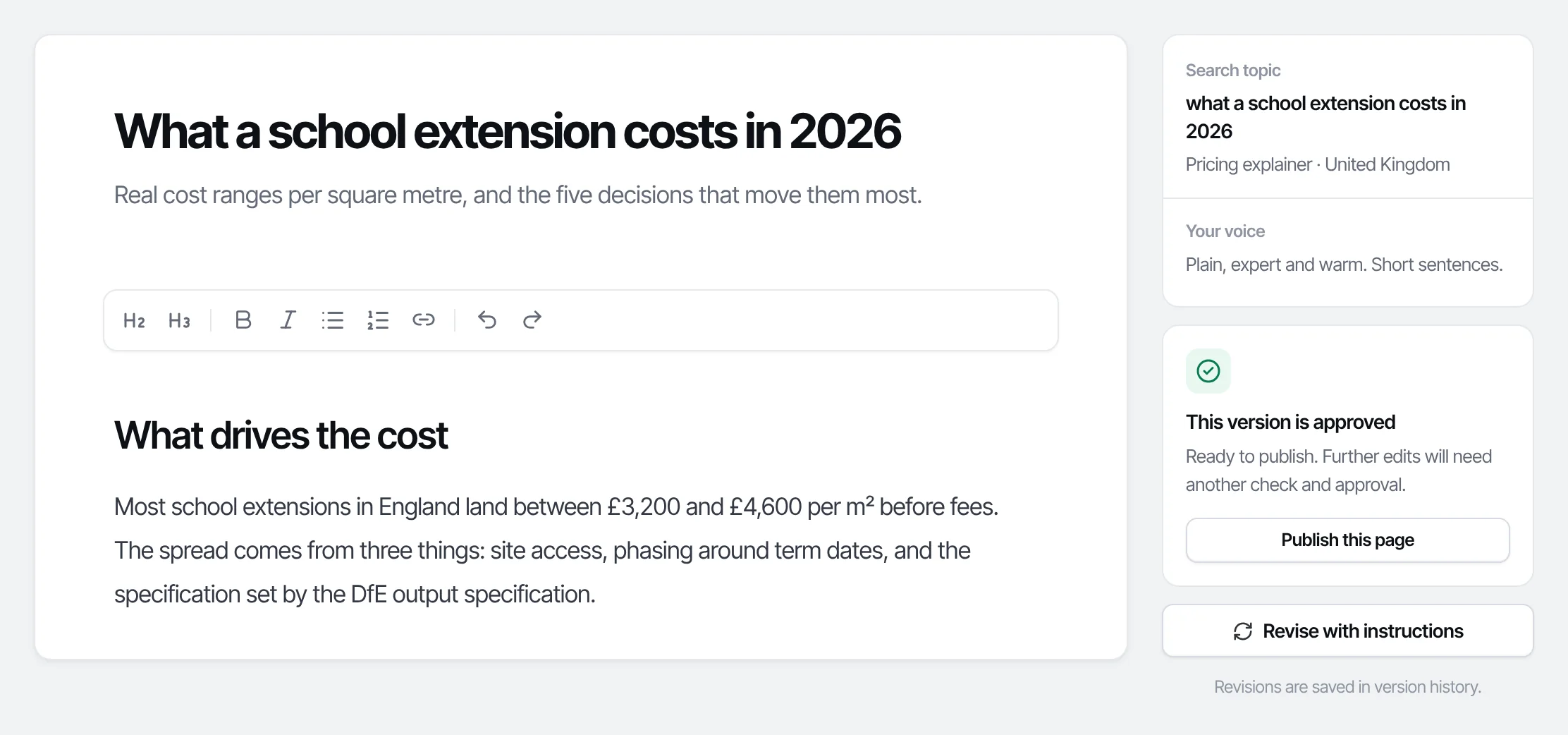
Research, draft, check. In that order, every time.
Writing a page is one job with three stages. Retrying a cluster build skips pages and stages that already finished; retrying a single page starts again from research.
- 1. Research
- Geoffice searches the live web for the page’s topic, then reads the pages it found. Sources with real content are saved with the page, up to fifteen in all. You can add your own sources by URL.
- 2. Draft
- The writer drafts the page from your business profile, your confirmed knowledge, your existing pages and the saved sources. Length follows the subject and the format, and the writer never pads a page to reach a word count.
- 3. Check
- The finished draft goes straight into editorial checks, so it arrives with a verdict: what passed, what needs attention and what blocks approval.
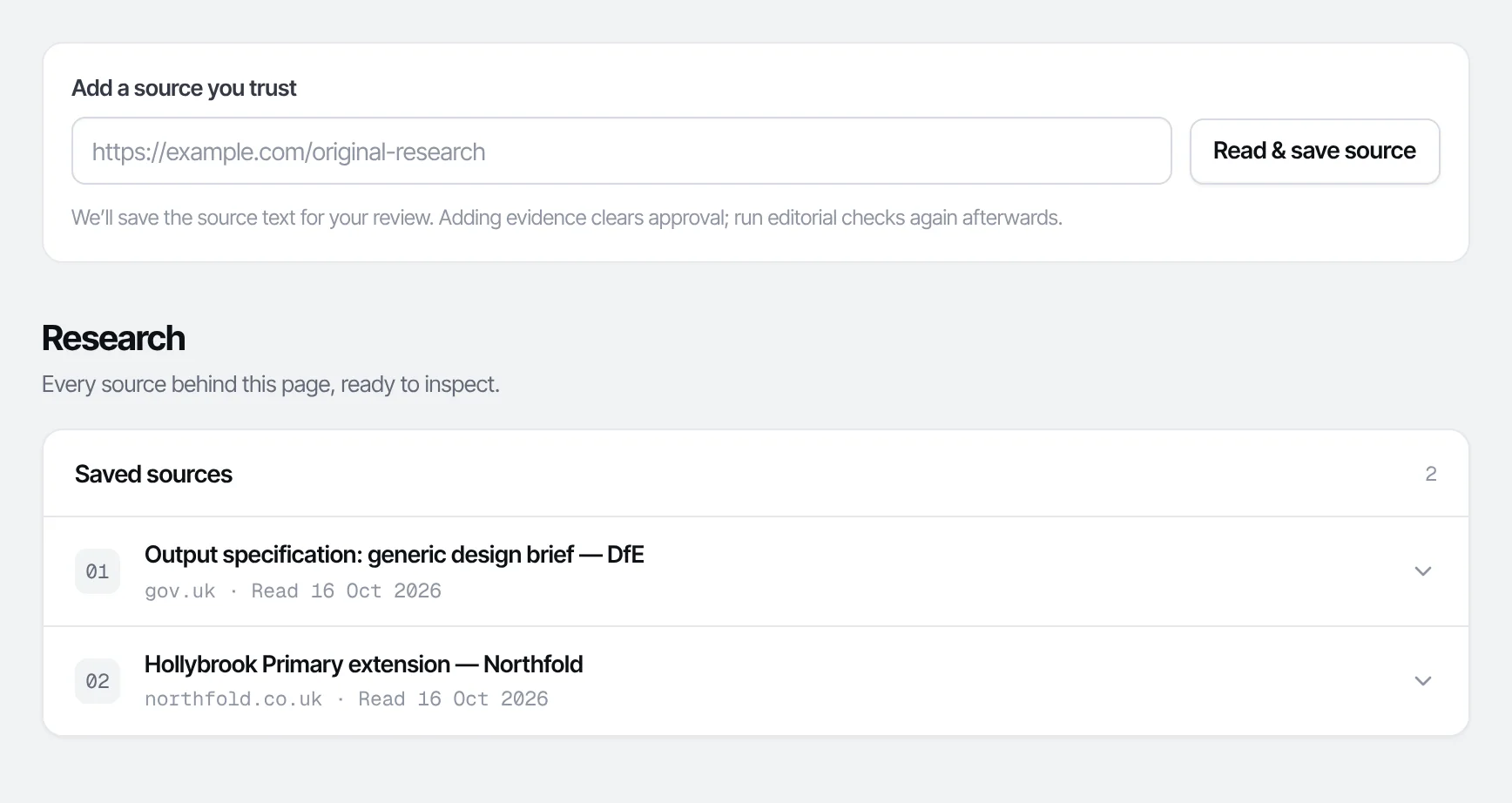
Every source saved, every citation checkable.
Citations in the draft are numbered and point only to sources saved with the page. A link to anything that was not part of the research fails the source check, so a citation can never quietly point somewhere unverified.
- Add the sources you trust
- Paste a URL and Geoffice reads and saves it, ready for the next revision.
- Read where each point came from
- Each saved source keeps its title, address and the date it was read.
- Unknown facts left out
- When the writer lacks a fact, it asks you instead of guessing.
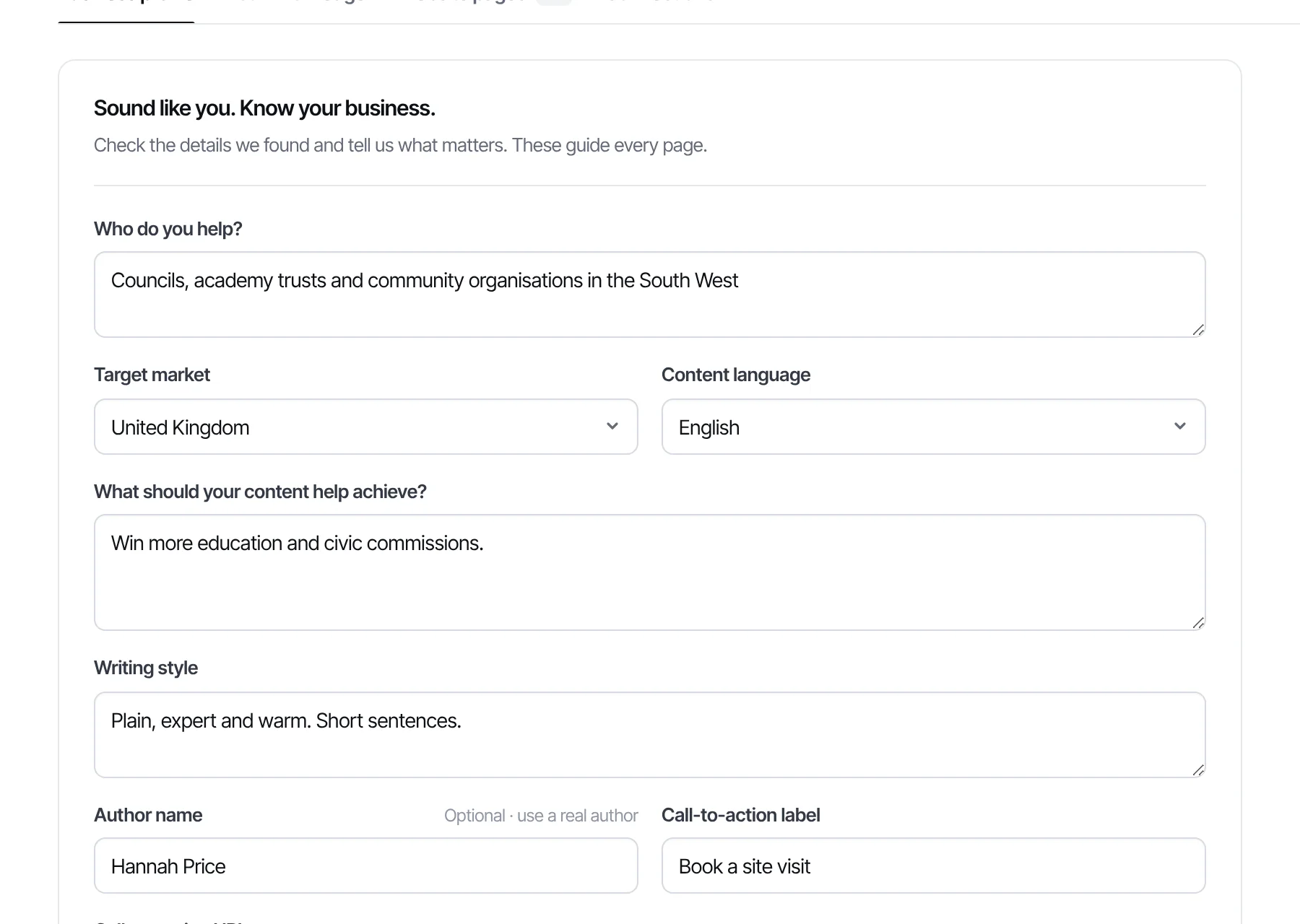
Written for your audience, the way you speak.
The business profile tells the writer who you help, the market you serve, what your content should achieve and how you write. Writing examples in your knowledge base show it what good looks like.
- Clusters written together
- Each page knows its parent and siblings, so pages complement each other instead of repeating.
- Formats with a purpose
- Hubs orient, guides explain, comparisons weigh options, service pages convert.
- Your rules respected
- The writer is instructed to follow your constraints, such as claims you never make or prices you never quote.
A draft that admits what it doesn’t know is worth more than one that sounds certain. Missing facts come back to you as questions.
A proper editor, with nothing lost.
Rich text with headings, lists, tables, quotes and links. Edit directly, or ask for a revision in plain words.
Revise with instructions
Describe the change you want. Geoffice researches again and redrafts from the previous version and your instruction.
Version history
Every save keeps the previous revision. Restore any recent version as a new draft at any time.
Safe saving
Saving checks you are editing the latest revision, so two people can never overwrite each other’s work.
Planned links
Links to planned pages become real links when they publish with their destinations, and stay plain text until then.
Suggested links in
Each draft suggests existing pages on your site that should link to it, for you to add where they fit.
Clean, portable copy
Drafts are sanitised HTML with no scripts or embeds, ready for any CMS or export.
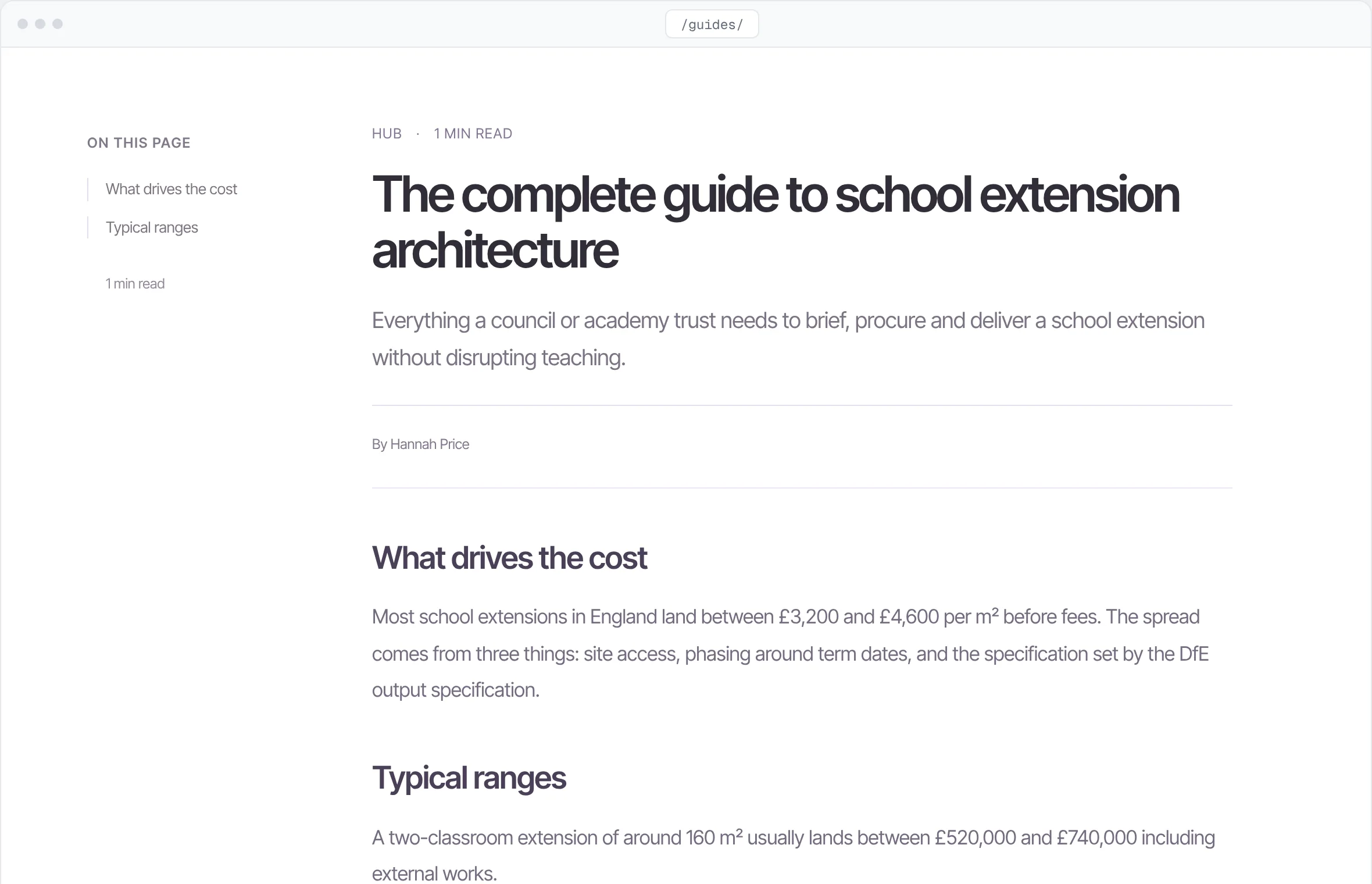
See the page before anyone else does.
Preview shows the page laid out for readers, with its contents, sources and call to action. Approval applies to that exact saved revision, and that revision is what publishes.
Questions, answered.
More in the full list of questions, or ask us directly.
Which AI model writes the pages?
Geoffice uses Anthropic’s Claude models for research, planning, writing and editorial checks. Research uses Claude’s web search, and the pages it finds are read and saved as sources.
How long are the pages?
As long as the subject needs. A comparison or a full guide runs longer than a short answer page. There’s no fixed word count, because length on its own doesn’t make a page useful.
Will it invent facts about my business?
It is instructed not to. Facts it doesn’t have are omitted and returned as questions. Editorial checks then flag claims that its sources don’t support, and those block approval.
Can I write or edit pages myself?
Yes. The editor is a full rich-text editor. Edit any draft directly, or start a page from a topic and format of your choosing.
Does revising a page cost a credit?
Yes. A new draft or a revision with instructions uses one AI credit, and so does running editorial checks again after you edit. Saving your own edits, adding sources and publishing are free.
Keep exploring
Become the source.
Add your website and see what seven AI assistants say about you today, then have your first pages written. Seven days free, no card needed.