Publish in order. Verify what went live.
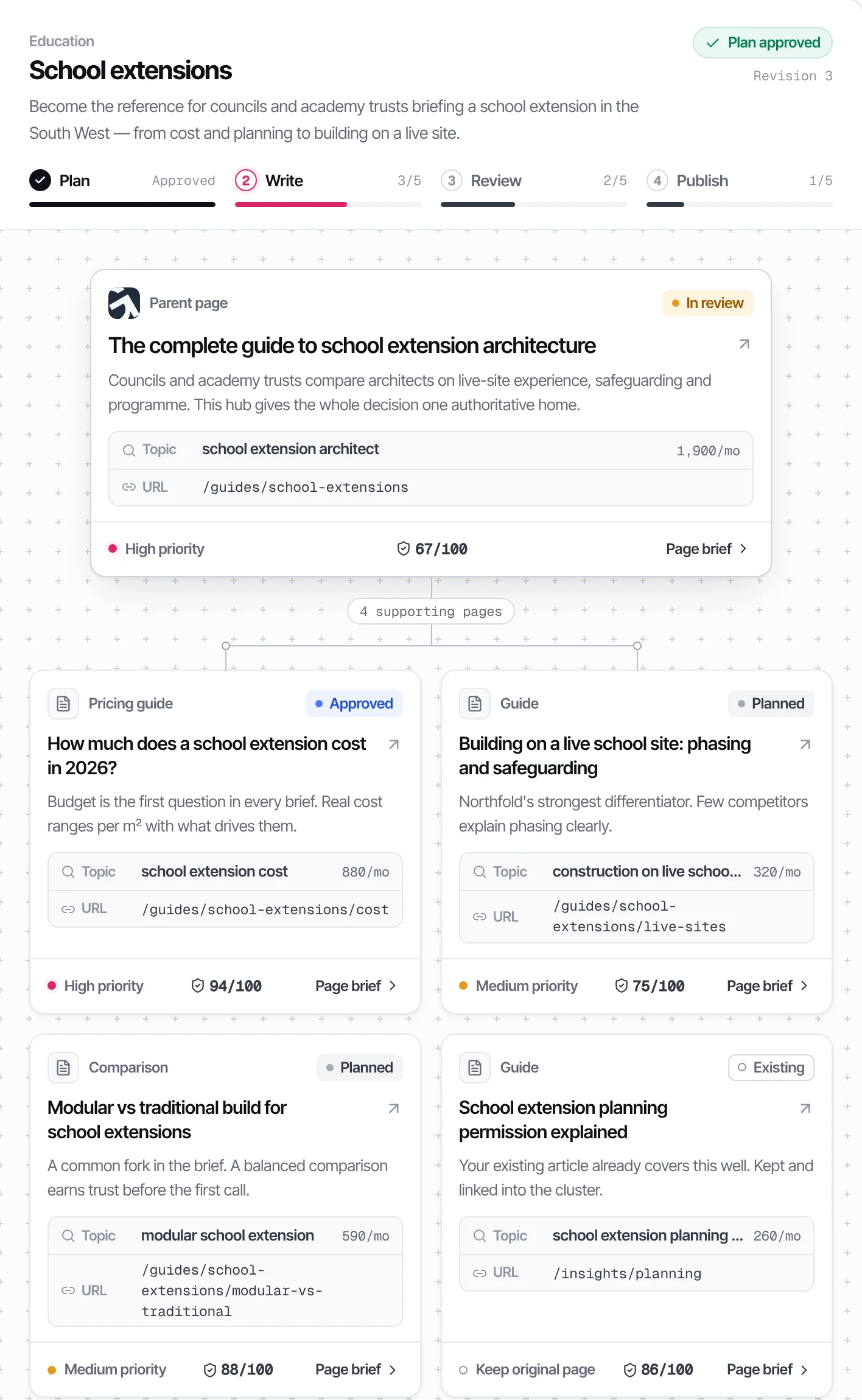
Approved pages go live on your own domain, hosted by Geoffice, or straight into WordPress, Webflow or Shopify. Custom sites pull them through the API. Clusters publish parent first, their links connect when the cluster publishes, and every page is checked once it is live.
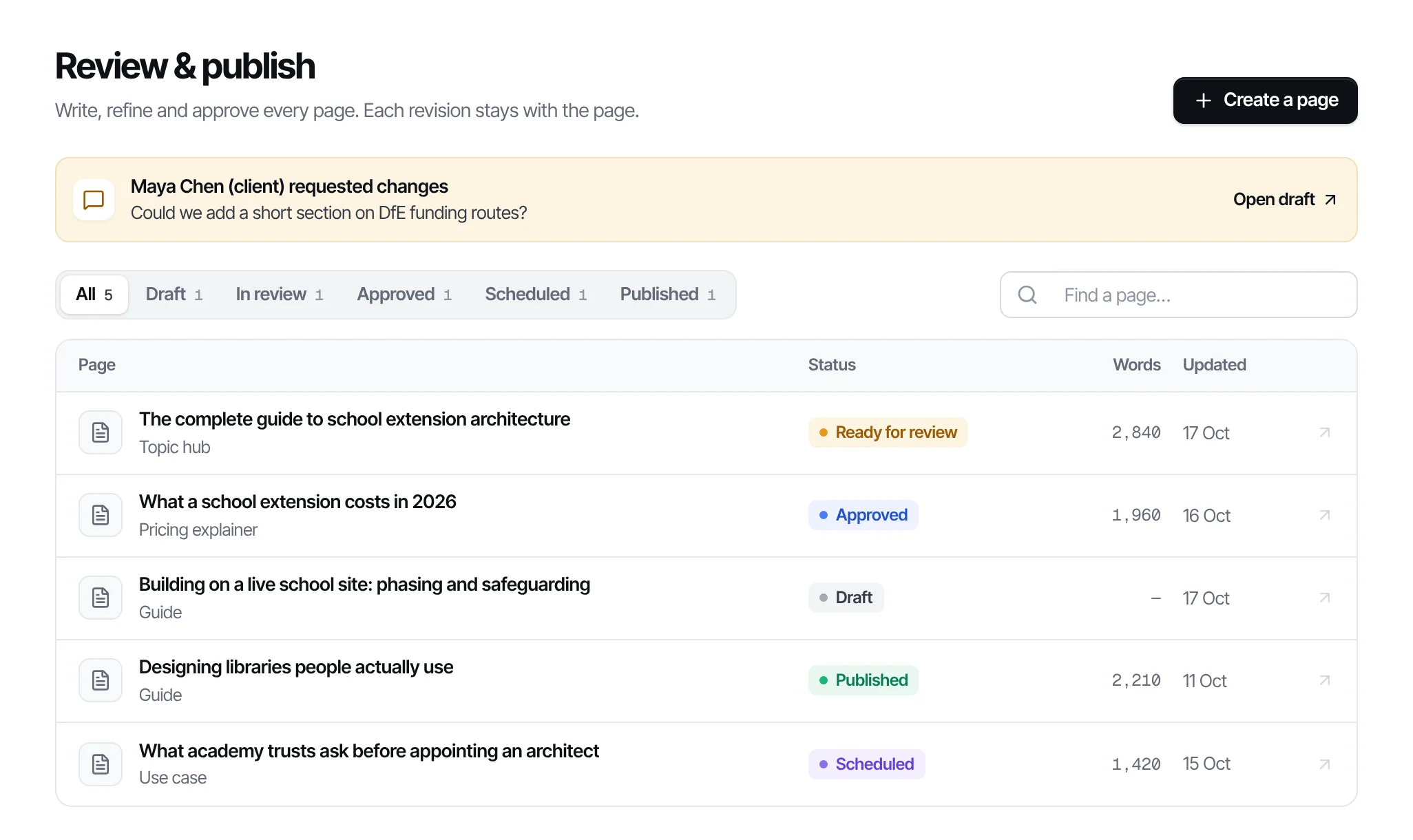
Your website, however it’s built.
Pick one destination per website in the studio. Every option publishes the approved revision, parent pages first.
Your own domain
Geoffice hosts the pages on your domain, such as blog.yoursite.com. Add one DNS record; no code, no CMS.
WordPress
The Geoffice connector plugin publishes posts or pages, keeps WordPress revisions and respects your SEO plugin.
Webflow
Pages go into a Webflow CMS collection, such as your blog, and publish live.
Shopify
Pages go into your store’s blog as published articles.
API
Your developers pull finished pages into a custom-built website.
Export
Download any page as HTML, Markdown or JSON for anything else.
Five conditions, checked every time.
Publishing is the one step that changes your live website, so Geoffice refuses to do it until the page is genuinely ready. That holds with Autopilot on too: it only approves pages that pass every check.
- 01
Approved revision
The revision being published is the one that was approved.
- 02
Checks clear
No failed checks and no unsupported claims on that revision.
- 03
Client sign-off
No client review of that revision is still waiting or asking for changes.
- 01
Plan approved
The cluster’s current plan has been approved.
- 02
Parent first
The parent page is already live, so supporting pages have something to link to.
- 03
Then it goes
Publish now, or schedule it for a date up to a year ahead.
A connector built for careful publishing.
Install the Geoffice connector plugin on your WordPress site and connect it with a WordPress application password. Geoffice tests the connection before saving it, and publishes approved pages as posts or pages on your own domain.
- Revisions kept
- Each update saves a WordPress revision, and republishing the same revision changes nothing.
- Your edits protected
- If a page was changed in WordPress since Geoffice last published it, the update stops rather than overwriting it.
- SEO plugins respected
- Descriptions and canonical URLs go to Yoast or Rank Math where installed; otherwise the connector adds the description and structured data itself.
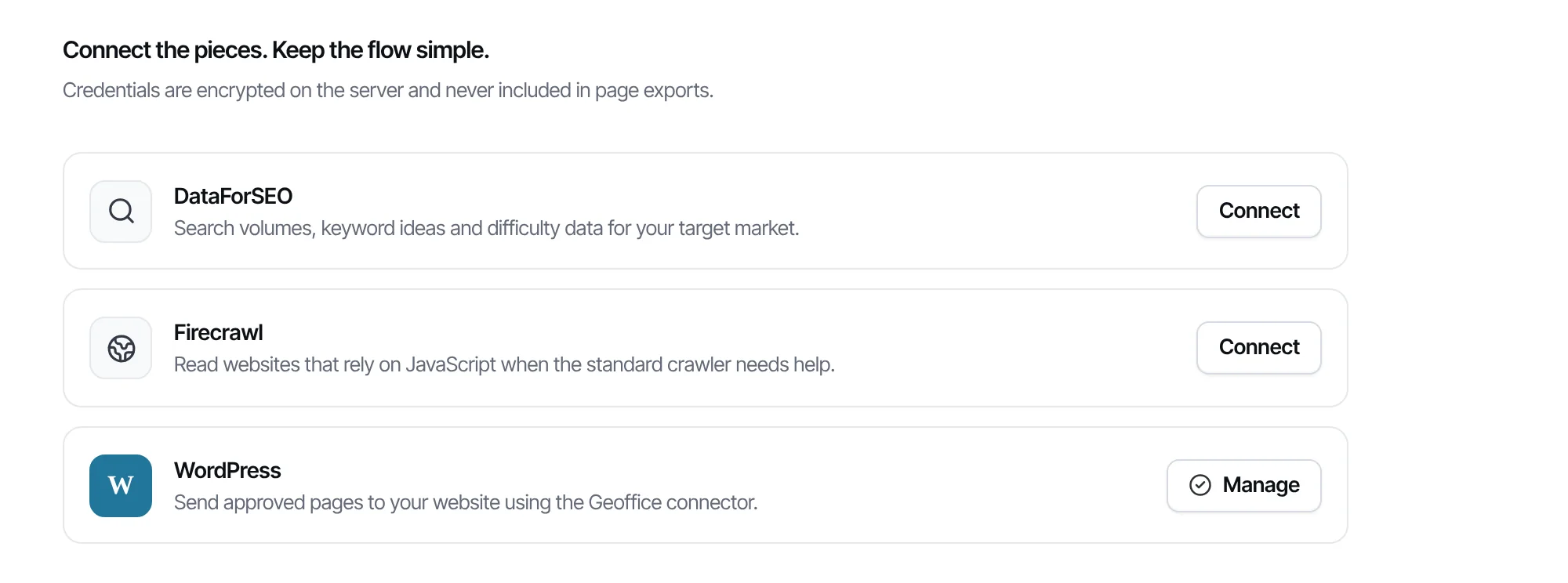
Export complete pages.
Every page can be downloaded in three formats, ready for another CMS, a developer or an archive.
HTML
A complete document with the page, its metadata and Article structured data, styled and ready to view.
Markdown
Clean Markdown with front matter for title, description, slug and canonical URL.
JSON
The full page with its sources, research, editorial review, business profile and schema, for custom publishing workflows.
A cluster is only as strong as its links. Geoffice publishes it in an order that keeps every link pointing somewhere real.
Internal links that never point nowhere.
Drafts link to other planned pages before those pages exist. At publishing time each planned link becomes the live URL, or plain text if its destination isn’t live yet. Each page also gains navigation back to its parent and across to related pages in the cluster.
- Connected when the cluster publishes
- Publishing a whole cluster updates its earlier pages so every link connects. A page published on its own links only to pages already live.
- Permalinks kept
- Existing pages keep their URLs. New pages use the approved URL; on WordPress, your permalink structure applies.
- Parent pages in WordPress
- Pages can be published under their parent, matching the cluster’s structure.
Every page checked once it is live.
Publishing isn’t finished until the live page proves it. Geoffice fetches each published page and records what it found.
- Reachable
- The page responds at its published address.
- Heading and canonical
- The main heading matches the approved title, and the canonical URL points to the page.
- Search description
- The description you approved is present.
- Structured data
- The page carries Article, WebPage or CollectionPage structured data.
- Indexing allowed
- No robots meta tag on the page stops search engines indexing it.
- Anchors and links
- Section anchors resolve, and a sample of internal links reach their destinations.
Scheduled publishing
Pick a date and time up to a year ahead. The page is locked against edits until it publishes or you cancel.
Publish a whole cluster
Once every page in a cluster is approved and checked, publish them all in one go, parent first, with links connected at the end.
Problems become tasks
A failed live check becomes a high-priority improvement in Results, with the page it affects.
Questions, answered.
More in the full list of questions, or ask us directly.
Where can Geoffice publish?
On your own domain, hosted by Geoffice; to WordPress through the Geoffice connector plugin; to a Webflow CMS collection; to your Shopify store’s blog; or through the API for a custom-built site. Any page can also be exported as HTML, Markdown or JSON.
What permissions does WordPress need?
A WordPress user with permission to publish posts or pages, connected with an application password. You choose whether Geoffice publishes posts or pages.
Can Geoffice publish to a different domain from my website?
No. Pages go to your website’s own domain or one of its subdomains, such as blog.yoursite.com.
Does publishing use credits?
No. Publishing, scheduling, exports and live checks are all free. Credits are only used for AI work such as research and drafting.
Can I unpublish from Geoffice?
Yes, for pages Geoffice hosts or serves through the API. Pages published to WordPress, Webflow or Shopify are managed there from then on, so unpublish them in your CMS. If you change a page there, run its live check again from Geoffice.
Keep exploring
Become the source.
Add your website and see what seven AI assistants say about you today, then have your first pages written. Seven days free, no card needed.