Your team’s expertise, published properly.
The people who know your business best rarely have time to write about it. Geoffice turns what they know into complete, source-backed clusters, and keeps your team in charge of every word that goes live.
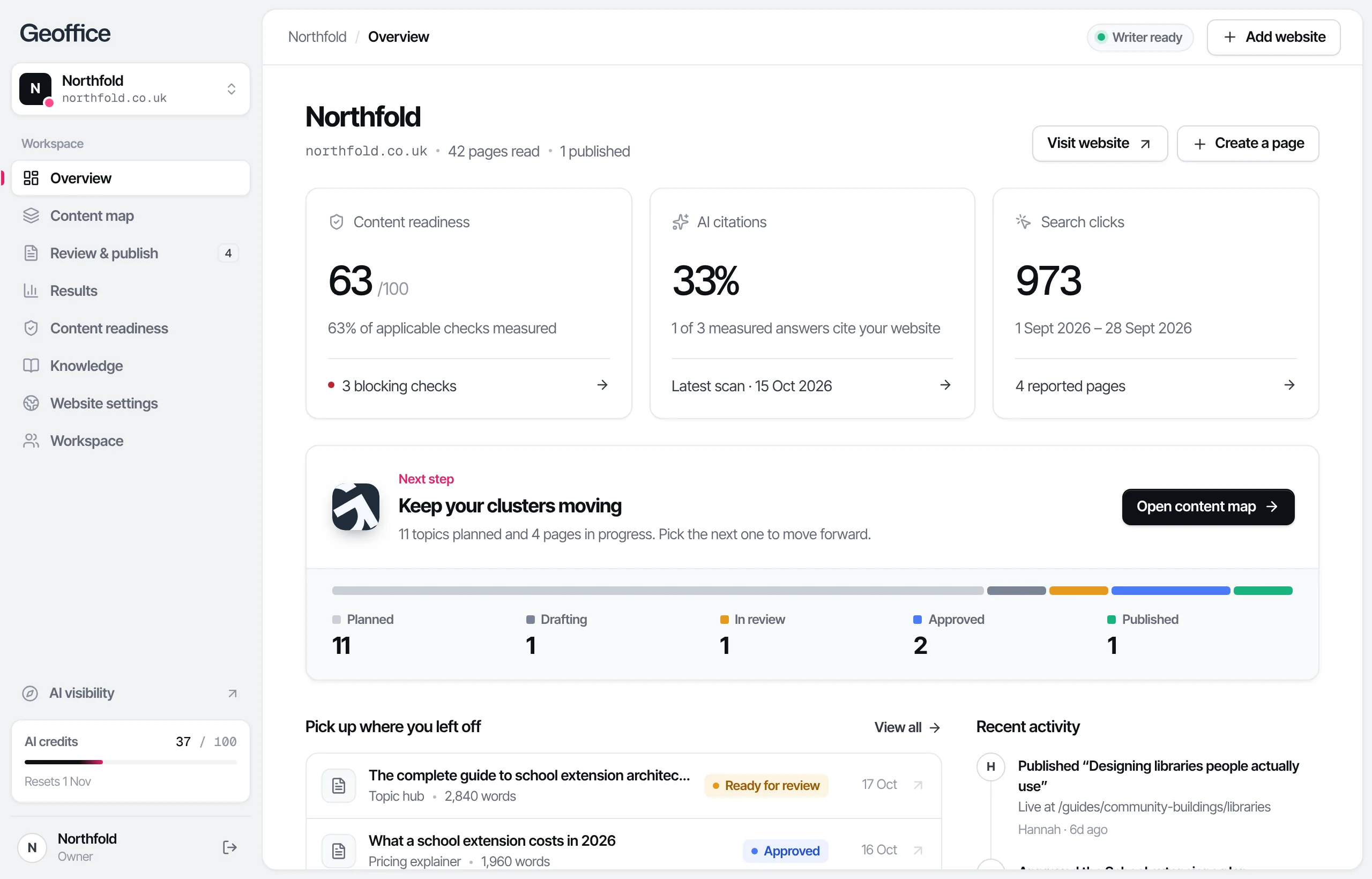
From a content calendar to a content map.
Instead of deciding what to write week by week, decide once what your website should cover, then build it cluster by cluster with a clear view of what is done.
A plan everyone can see
Silos, clusters and page briefs in one map, with progress for planning, writing, review and publishing.
Expertise captured once
Record what your specialists know as confirmed knowledge, and every page can use it.
Approvals that mean something
Approval is tied to one revision, and only after editorial checks are clear.
Clear roles
Owners, editors and viewers, so stakeholders can read without changing anything.
Nothing lost
Every saved revision is kept, and any recent version can be restored.
Publish on your schedule
Publish now or schedule up to a year ahead, straight to your website or CMS.
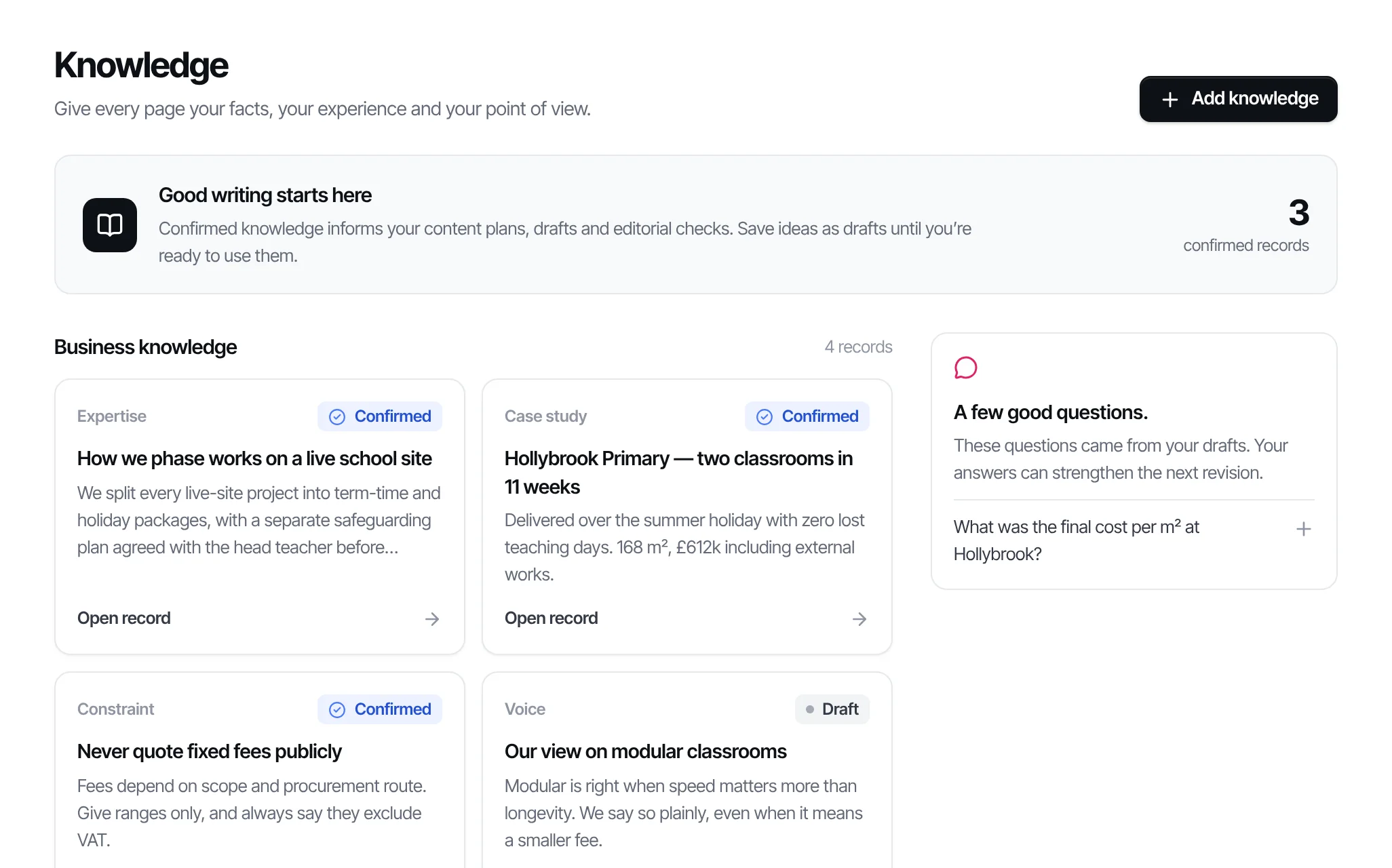
Interview your experts once.
Ask your specialists the questions customers ask them. Record the answers, the case studies and the things they’d never say as knowledge records. Confirmed records guide every plan, draft and check from then on.
- Questions come back to you
- When a draft needs a fact, it asks rather than guesses.
- Rules for every page
- Claims you can’t make and phrases you never use, given to the writer for every page.
Your website should be the best answer to your customers’ questions. Your team already knows the answers.
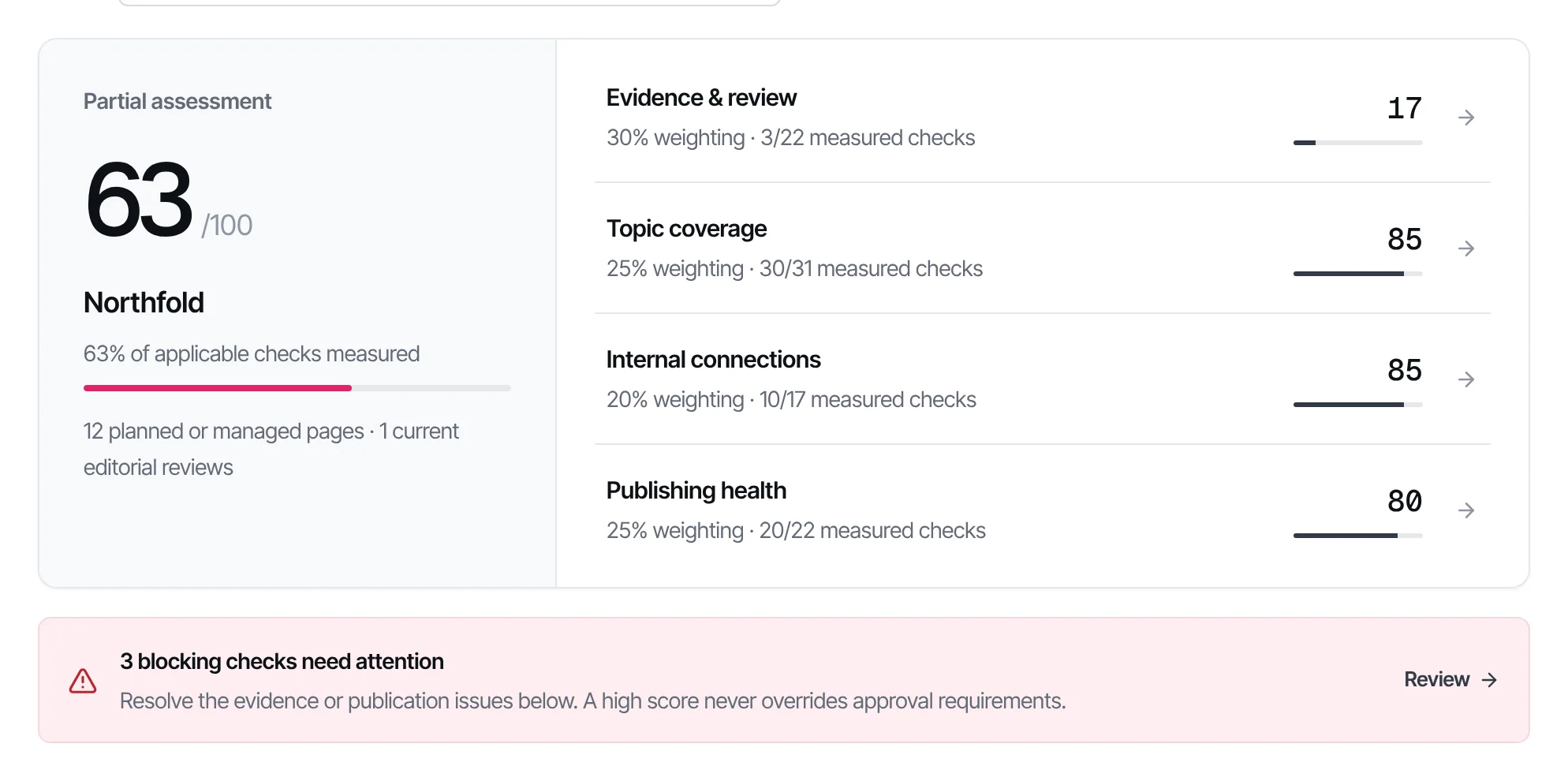
Show the work, not just the traffic.
The overview shows readiness, search performance and what to do next. Readiness explains exactly what is complete and what isn’t. Results compares equal periods with your own Search Console data.
Questions, answered.
More in the full list of questions, or ask us directly.
We already have a CMS and a content process. Where does Geoffice fit?
Geoffice handles planning, research, drafting and review, then publishes approved pages to WordPress, Webflow or Shopify, or exports them for any other CMS. Your CMS stays the system of record for your live site. If you’d rather not touch the CMS, Geoffice can host the pages on a subdomain such as blog.yoursite.com.
Can our specialists review drafts without learning the tool?
Yes. Send a review link for a saved revision. They read the page and approve it or request changes, without an account.
How many people can use a workspace?
Invite your team as owners, editors or viewers. Talk to us if you need a larger setup.
Will it work in languages other than English?
The business profile sets the language you write in, and the writer follows it. Geoffice is used mostly in English today, so talk to us before relying on it for another language.
Explore further
Become the source.
Add your website and see what seven AI assistants say about you today, then have your first pages written. Seven days free, no card needed.